
Wolf
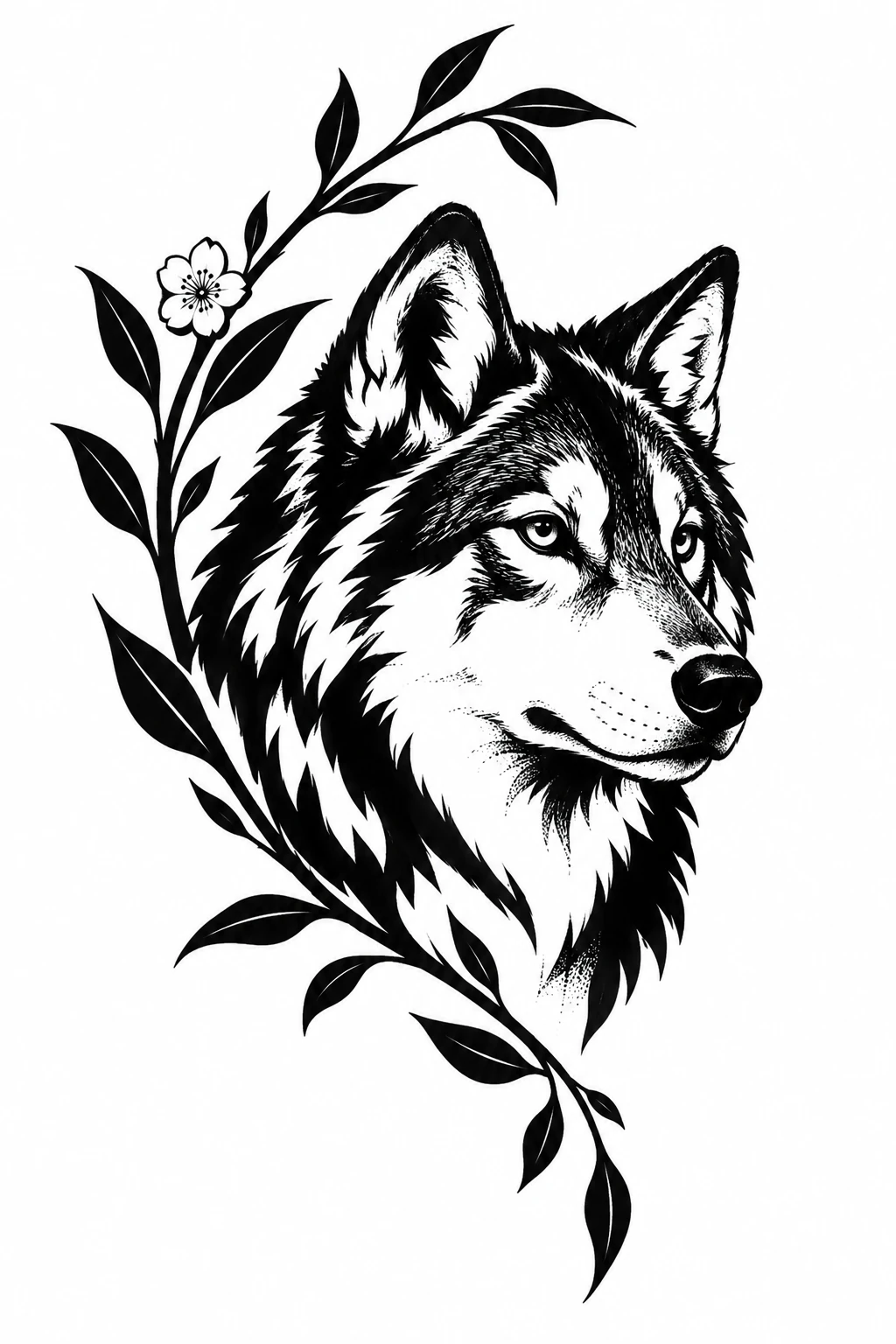
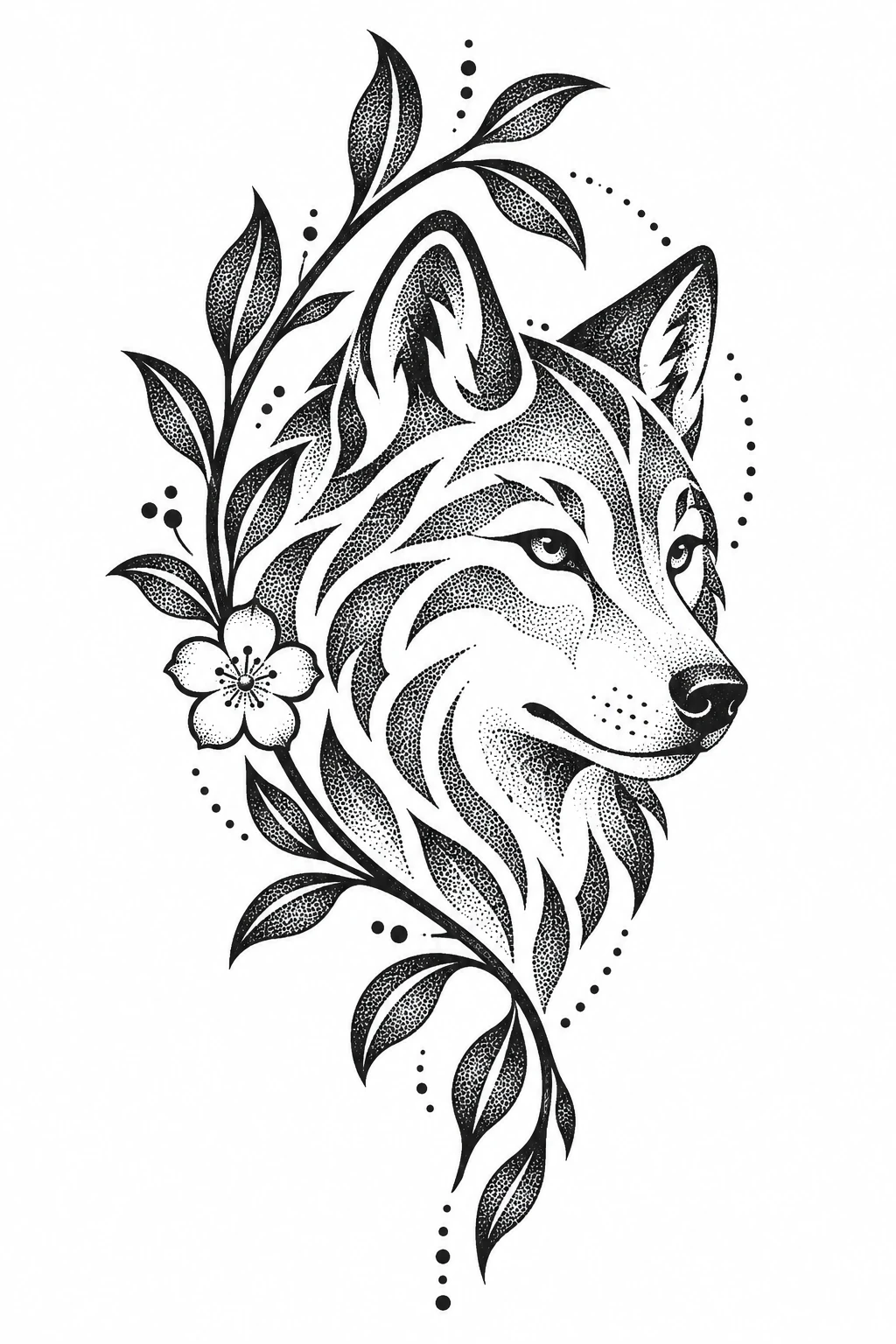
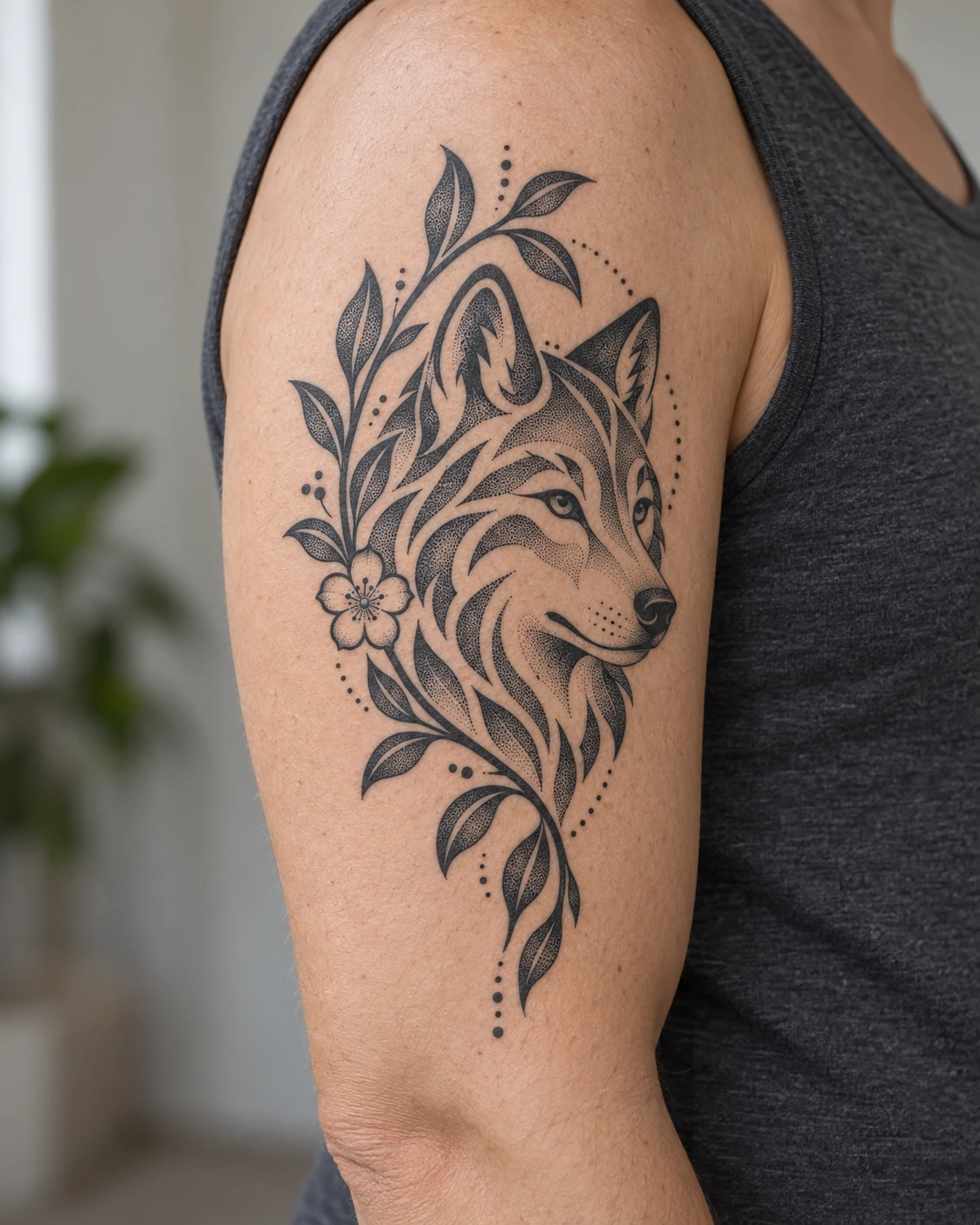
Blackwork draws the fur as solid black strokes beside a dark leafy branch; dotwork turns it into stippled bands framed by dotted arcs.
Dotwork tattoos build their shading from individual dots: closer dots read darker, wider spacing reads lighter. Browse 25 designs, each with a matching on-skin preview, then create your own.
All designs and on-skin previews are AI-generated concepts, not photos of healed tattoos.
A dotwork tattoo builds its shading from many individual dots instead of smooth gradients or solid fill. Where the dots sit close together, the skin reads dark; where they spread apart, it reads light.
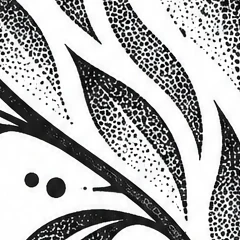
Packed tightly, dots read as deep shadow, as in the folds of the fur.
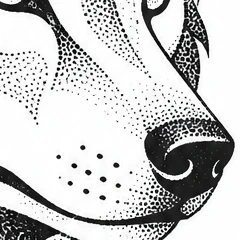
Gradually wider spacing turns dark into light without a hard edge.
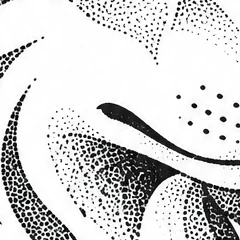
Sparse dots and bare skin carry the lightest tones.
Most dotwork is done in black or grey ink; some artists add an accent color.
Dotwork is often paired with mandalas, geometry and dotted linework, and also used for animals and portraits with an engraved look.
Artists place the dots by hand-poke or with a machine, and the work usually takes longer than comparable styles.
Blackwork is the broad family of tattoos made in black ink. Solid black fill, often called blackout, is one approach within it; dotwork is another, building tone from dots instead of filling shapes.
Each pair below starts from the same written description, generated once in our Dotwork style and once in Illustrative Blackwork.
Blackwork draws the fur as solid black strokes beside a dark leafy branch; dotwork turns it into stippled bands framed by dotted arcs.
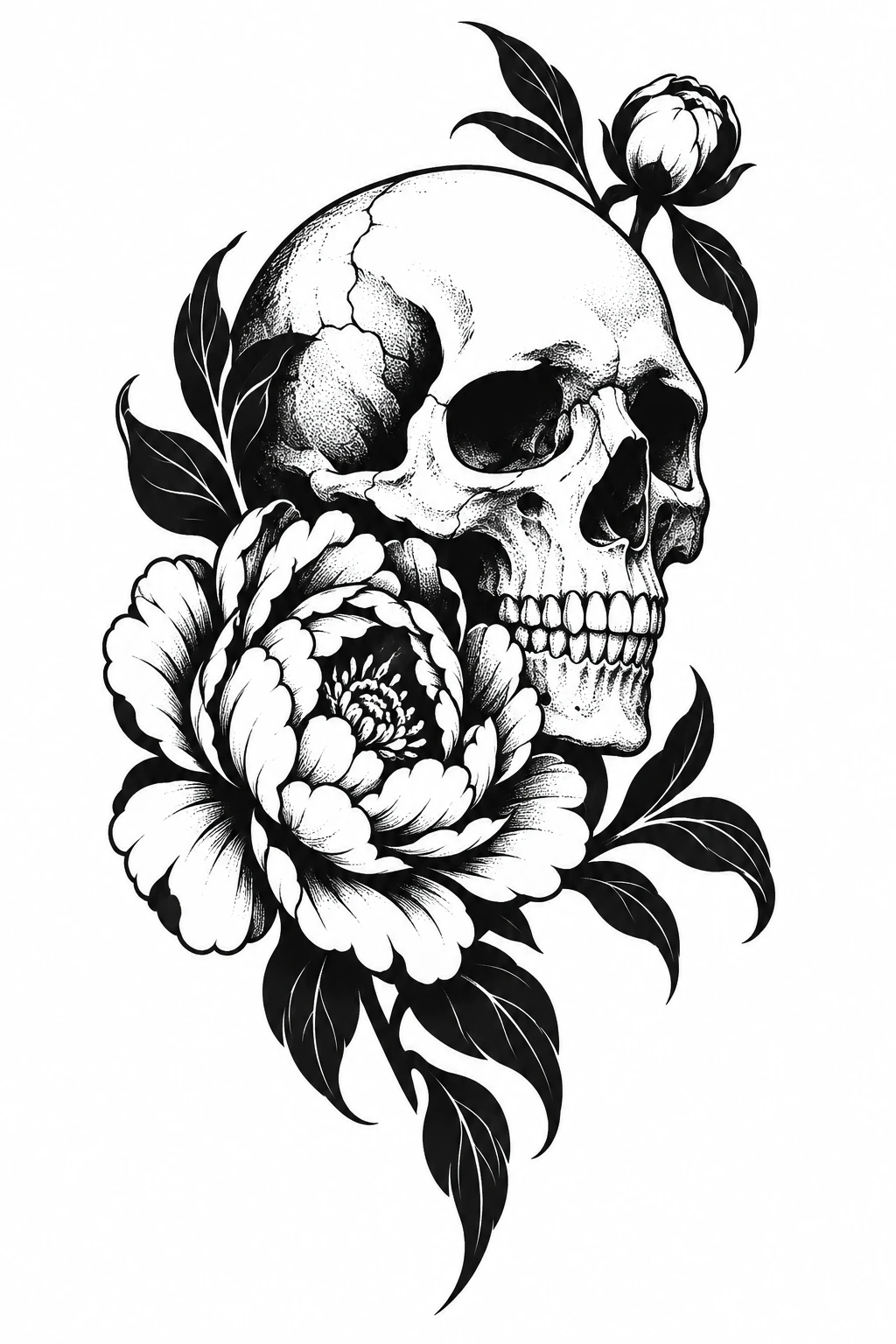
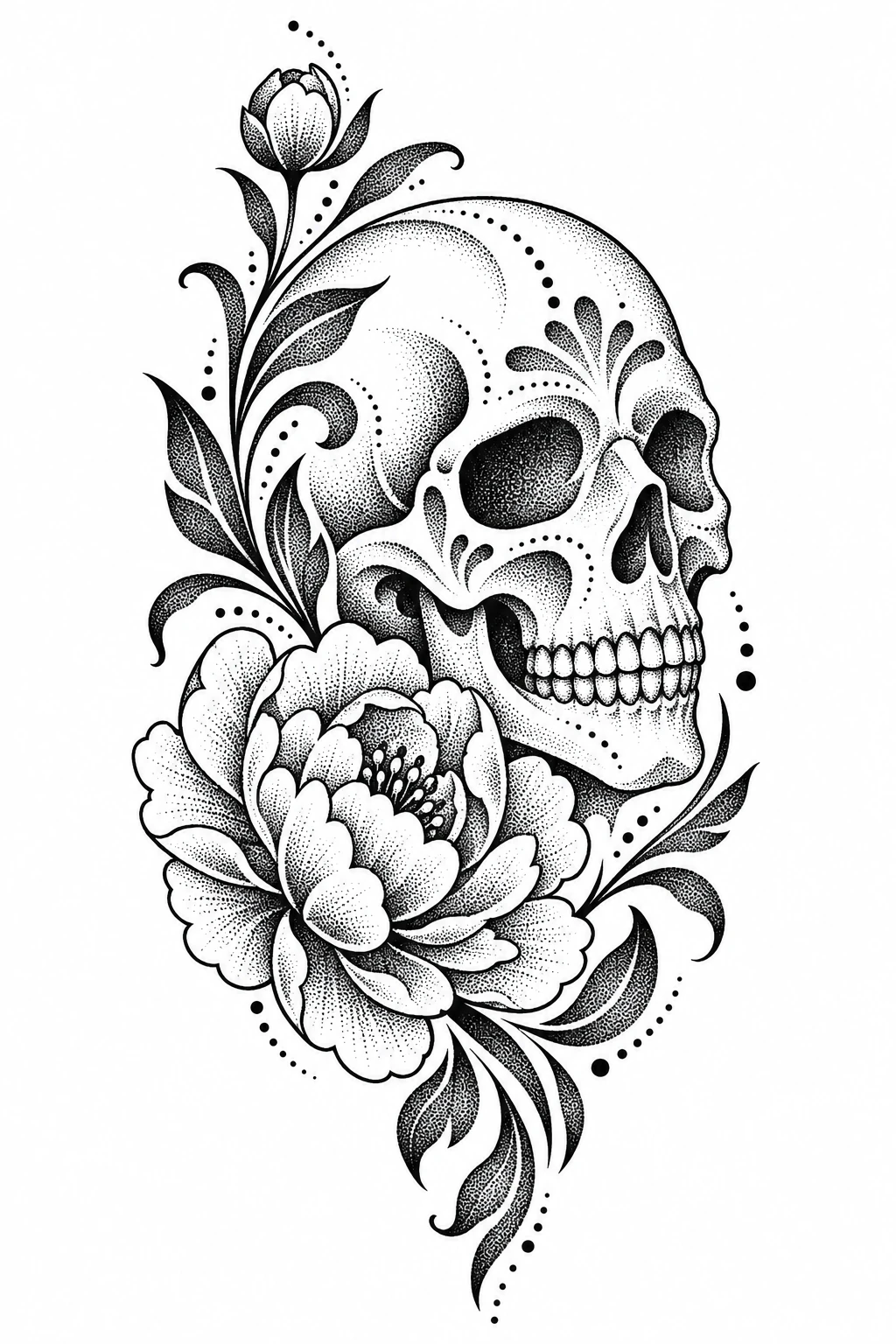
Solid black shadows give the blackwork skull hard contrast, while the dotwork version shades the skull and peony with dots and adds ornamental curls.
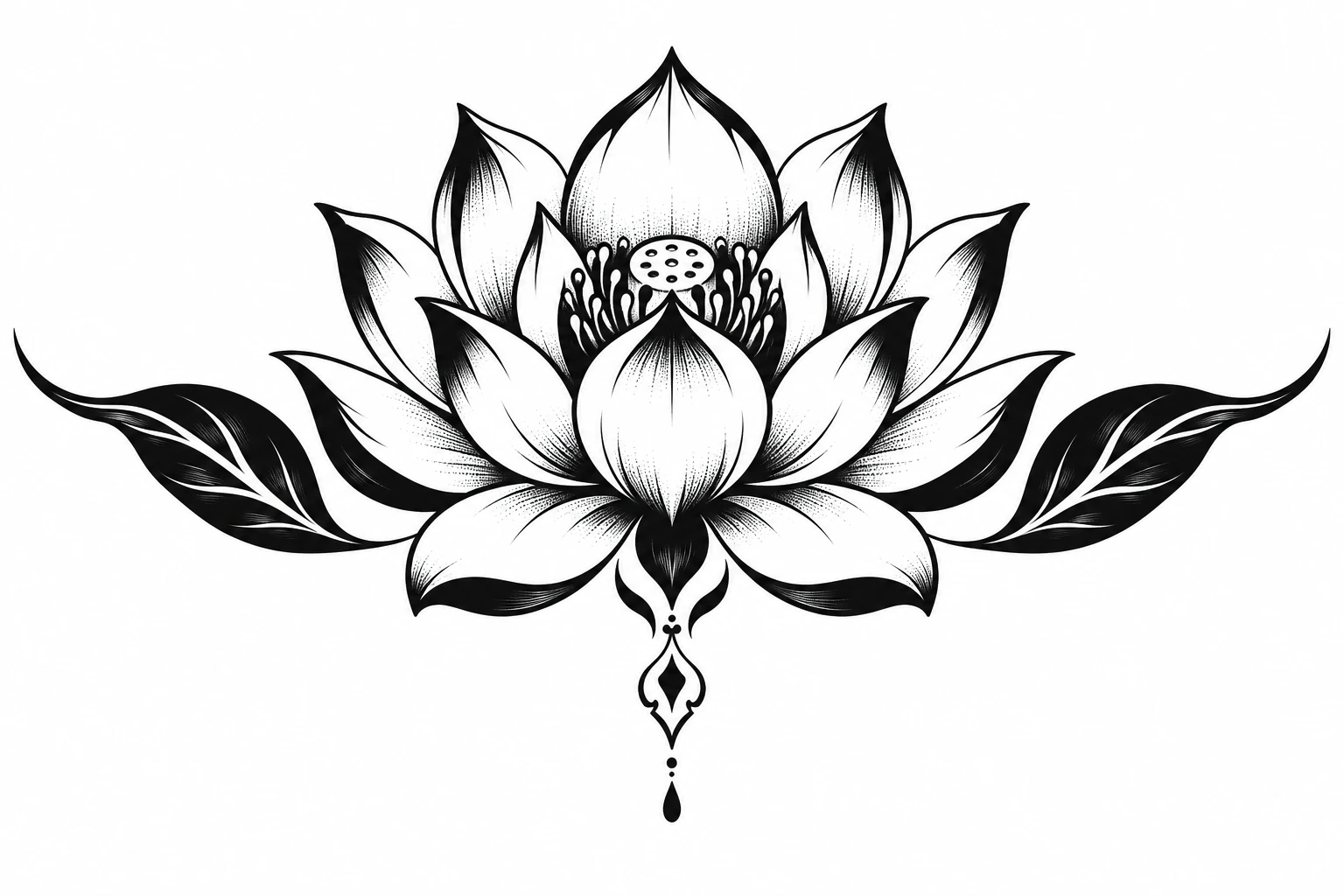
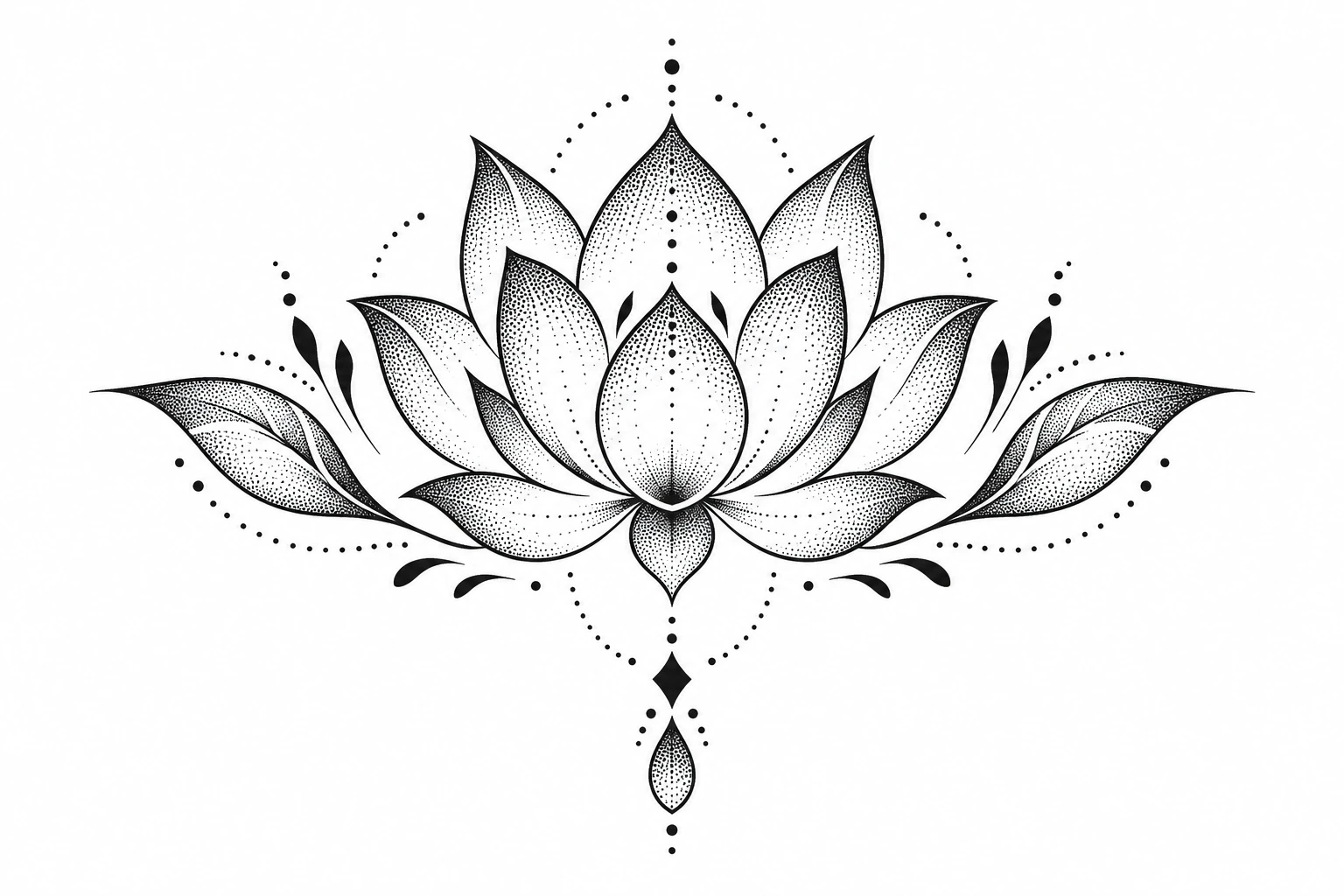
Blackwork outlines each petal and fills the leaves in black; dotwork keeps the petals pale and builds soft gradients from dots.
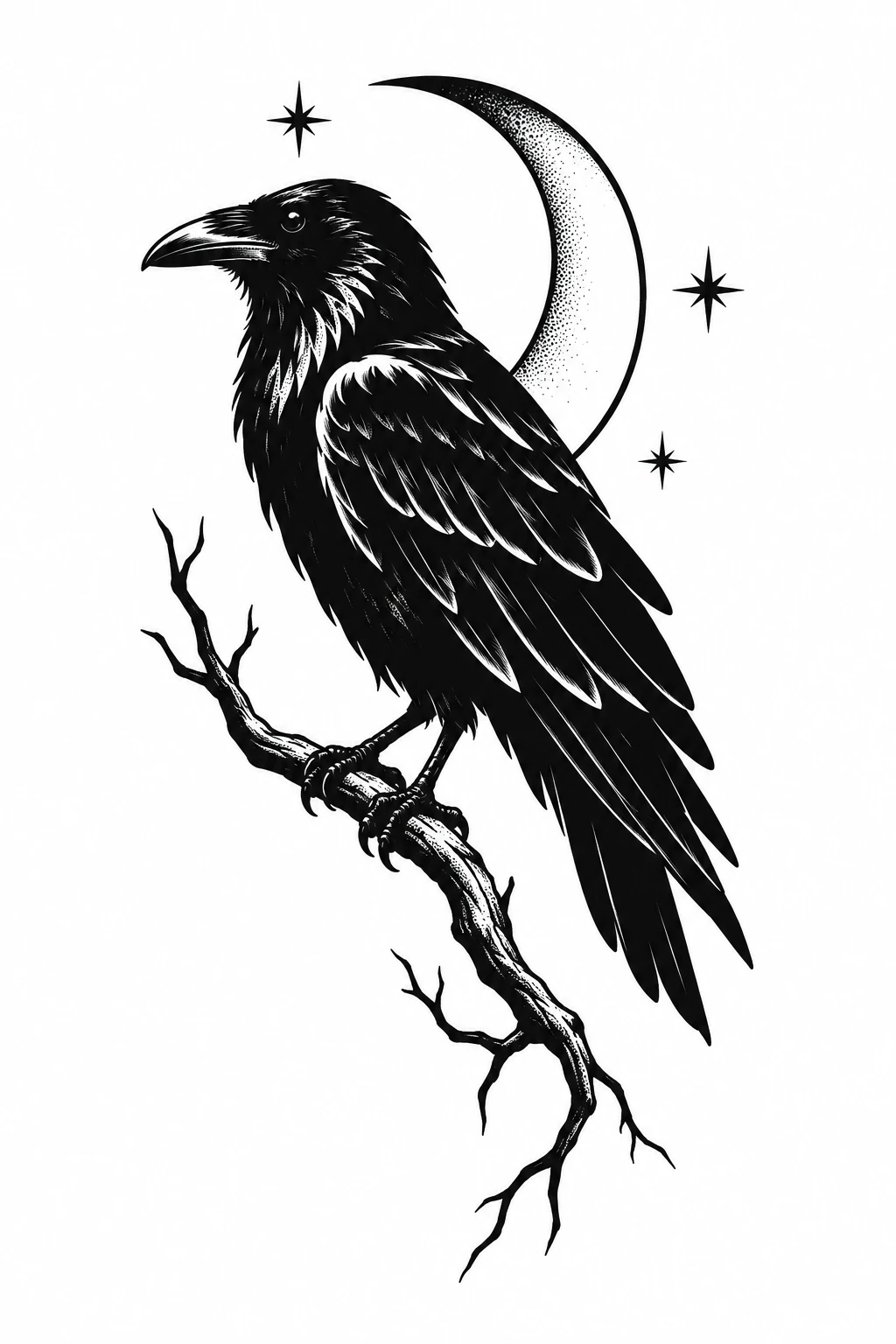
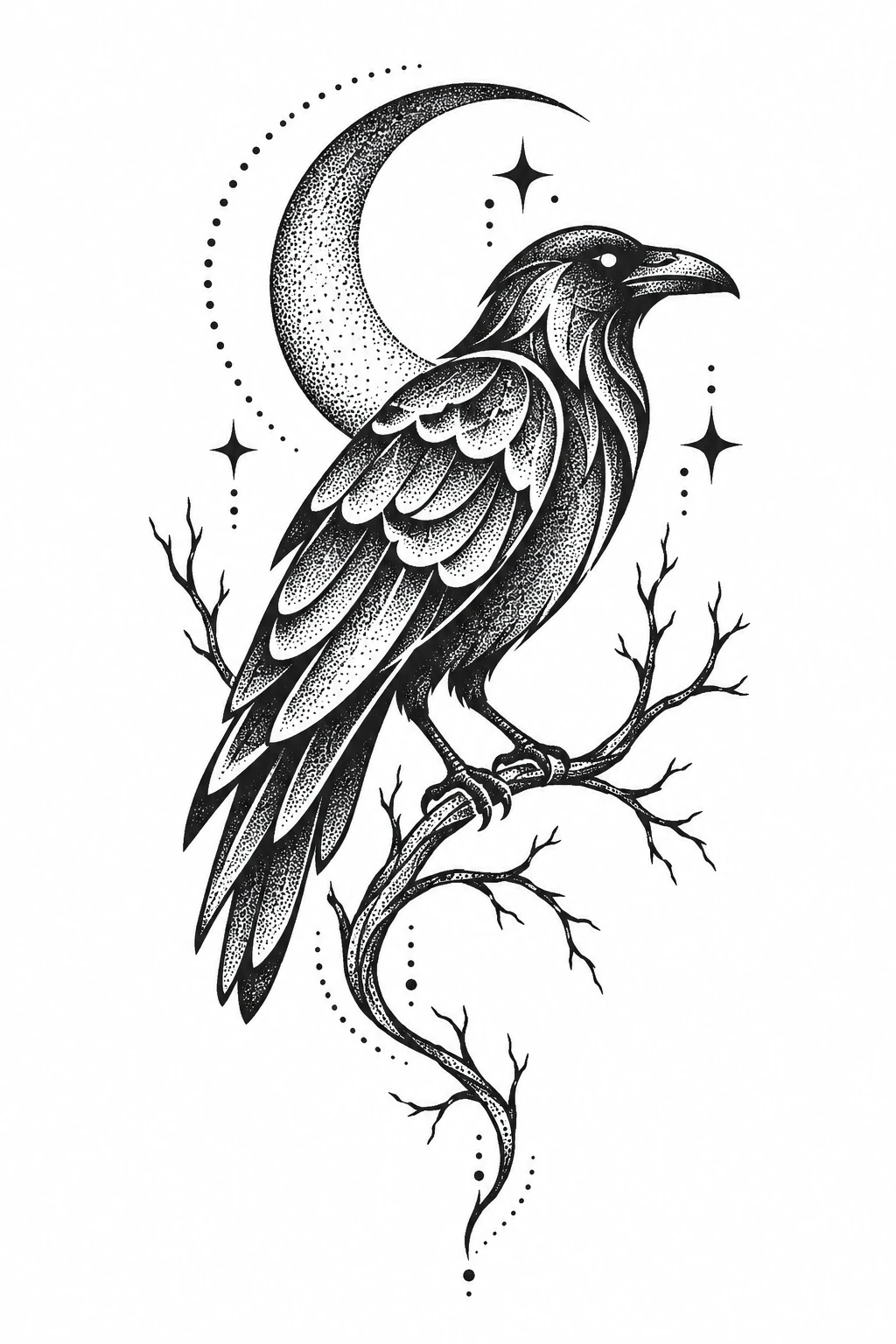
The blackwork raven is a near-solid black silhouette; in dotwork the feathers, moon and branch are graded with dots, leaving more open skin.
| Illustrative Blackwork | Dotwork | |
|---|---|---|
| What it is | A broad category: tattoos made mainly or only in black ink | A technique: tone built from individual dots |
| Shading | Varies: solid fill, linework or dots | Gradients from dot density |
| Typical look | Strong black shapes and high contrast; blackout covers large areas in solid black | Soft, grainy gradients and dotted accents |
| How they relate | Includes blackout, ornamental patterns and dotwork | Often grouped under blackwork |
A stippling tattoo is shaded with dots instead of smooth blending. Stippling is the technique; dotwork usually names the whole style built on it, which is why many artists use the two words almost interchangeably.
Tone comes from how close the dots sit: dense for shadow, sparse for highlights. Artists also use stipple shading inside other styles, such as fine line and blackwork.
A dotwork tattoo lets dots carry most or all of the shading, often with ornamental framing and dotted linework.
They keep "dotwork" for geometric and mandala pieces and say "stippling" for dot shading in illustrative work, such as botanicals.
Three choices shape most dotwork designs. Settle them before you describe your idea.
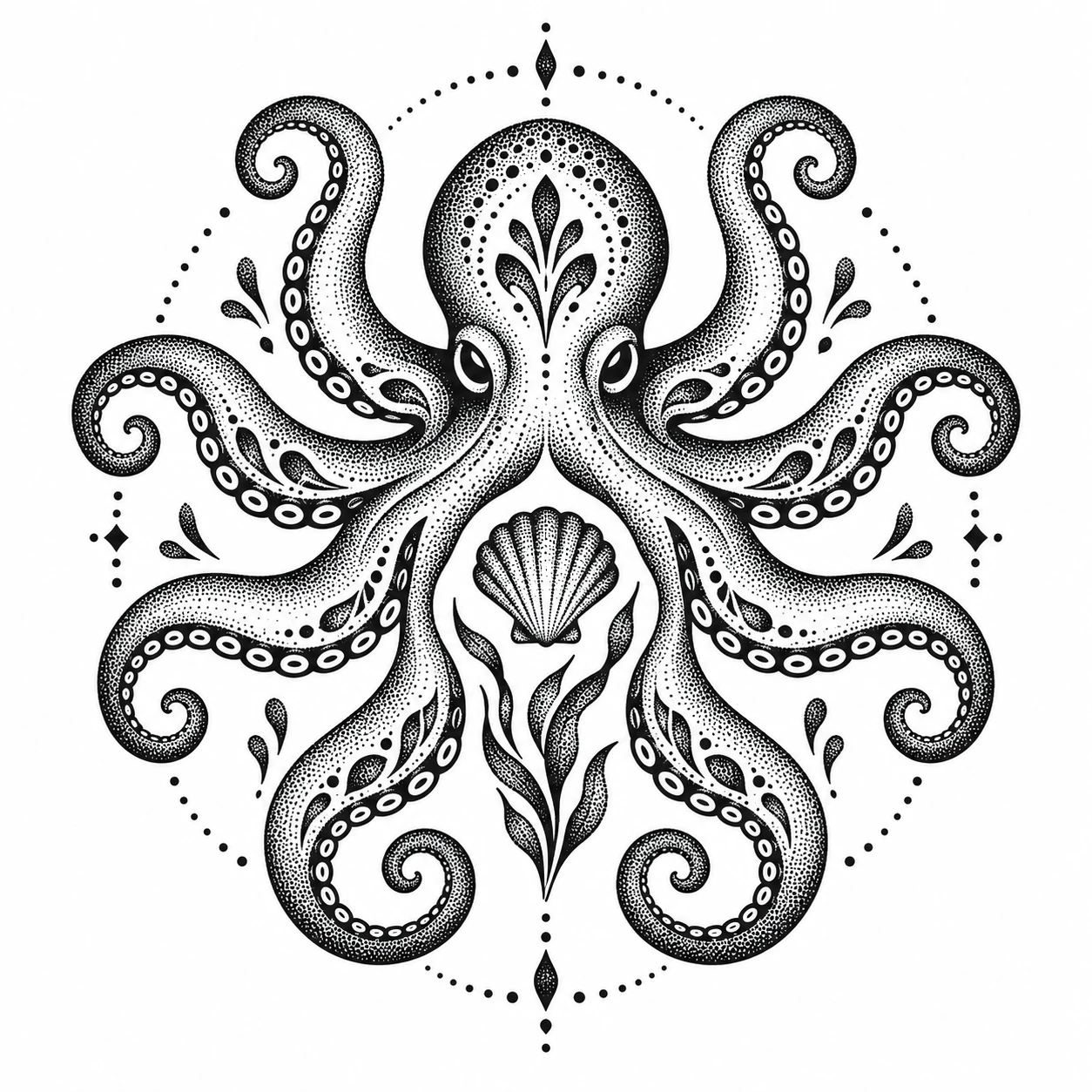
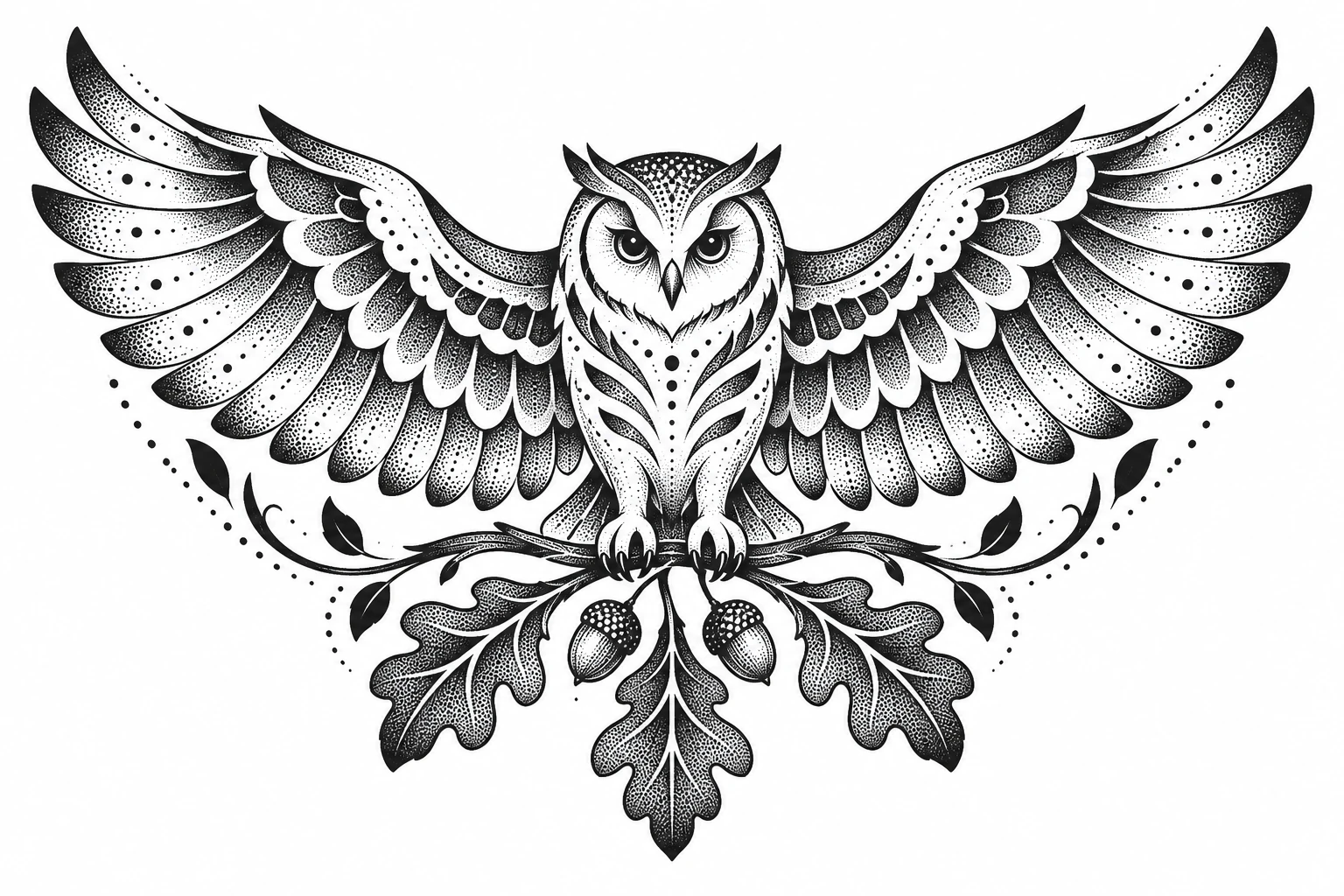
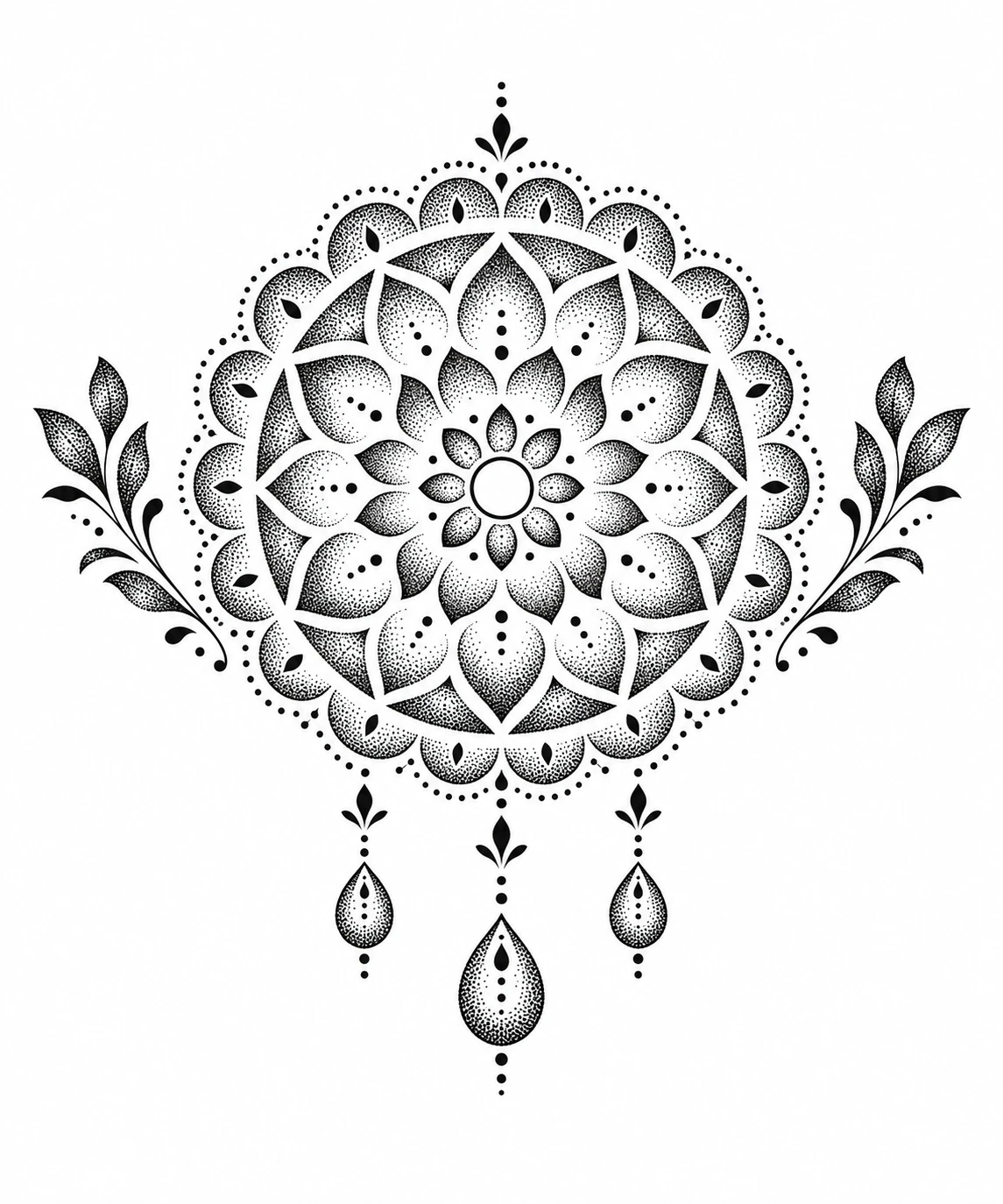
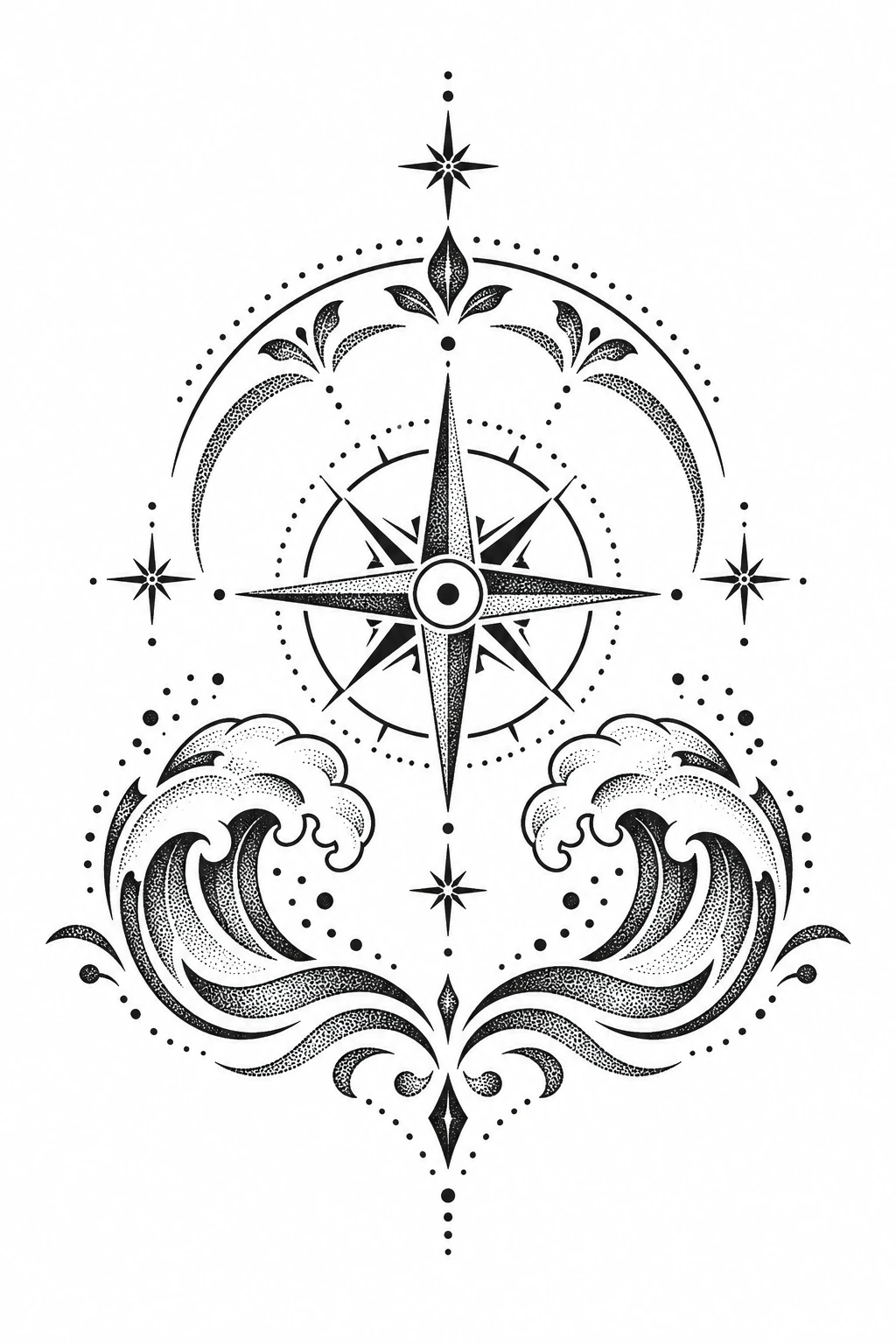
Dotwork needs room: very small designs lose the gradients that define the style. Pick the body area first, then choose a design whose shape fits it.
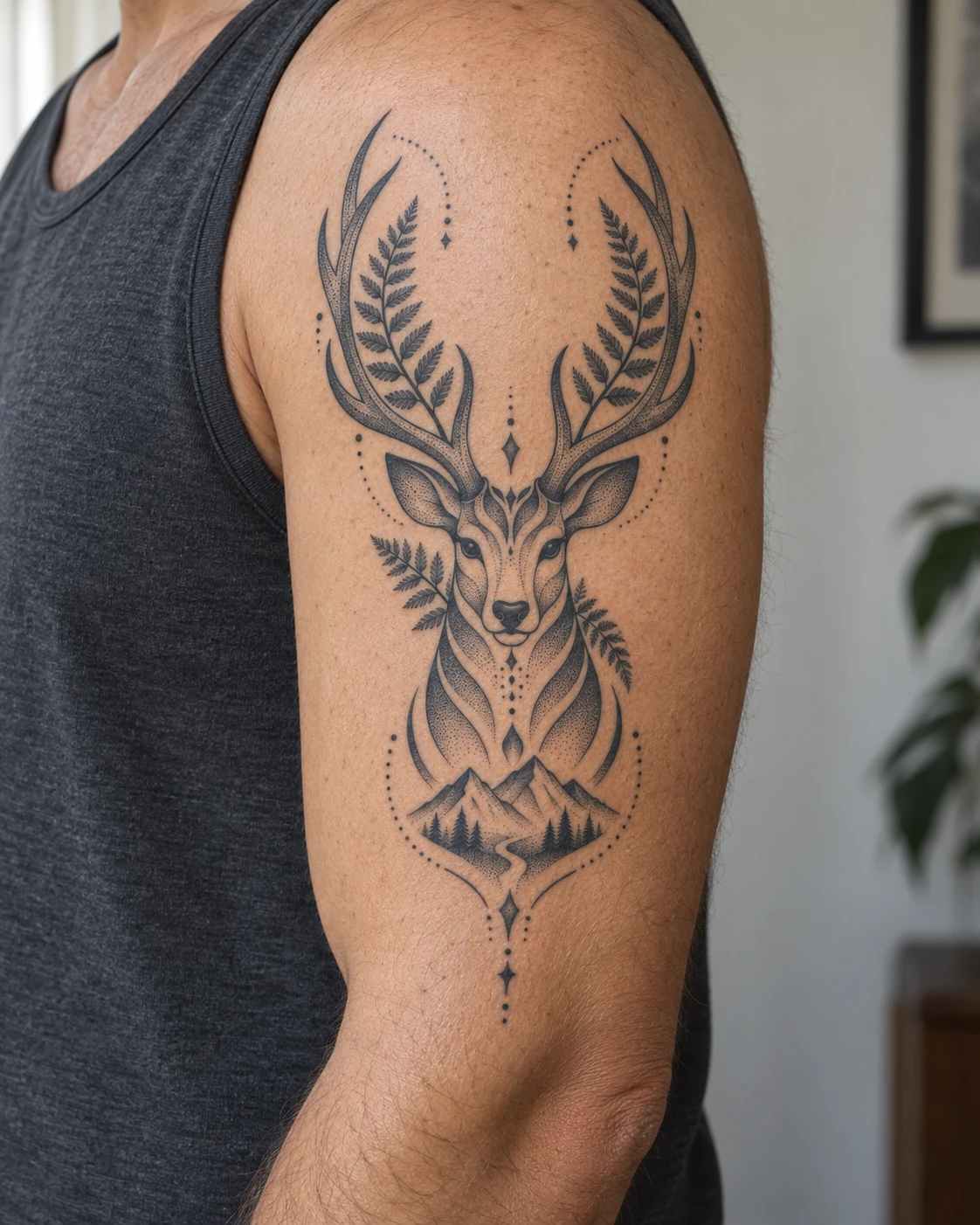
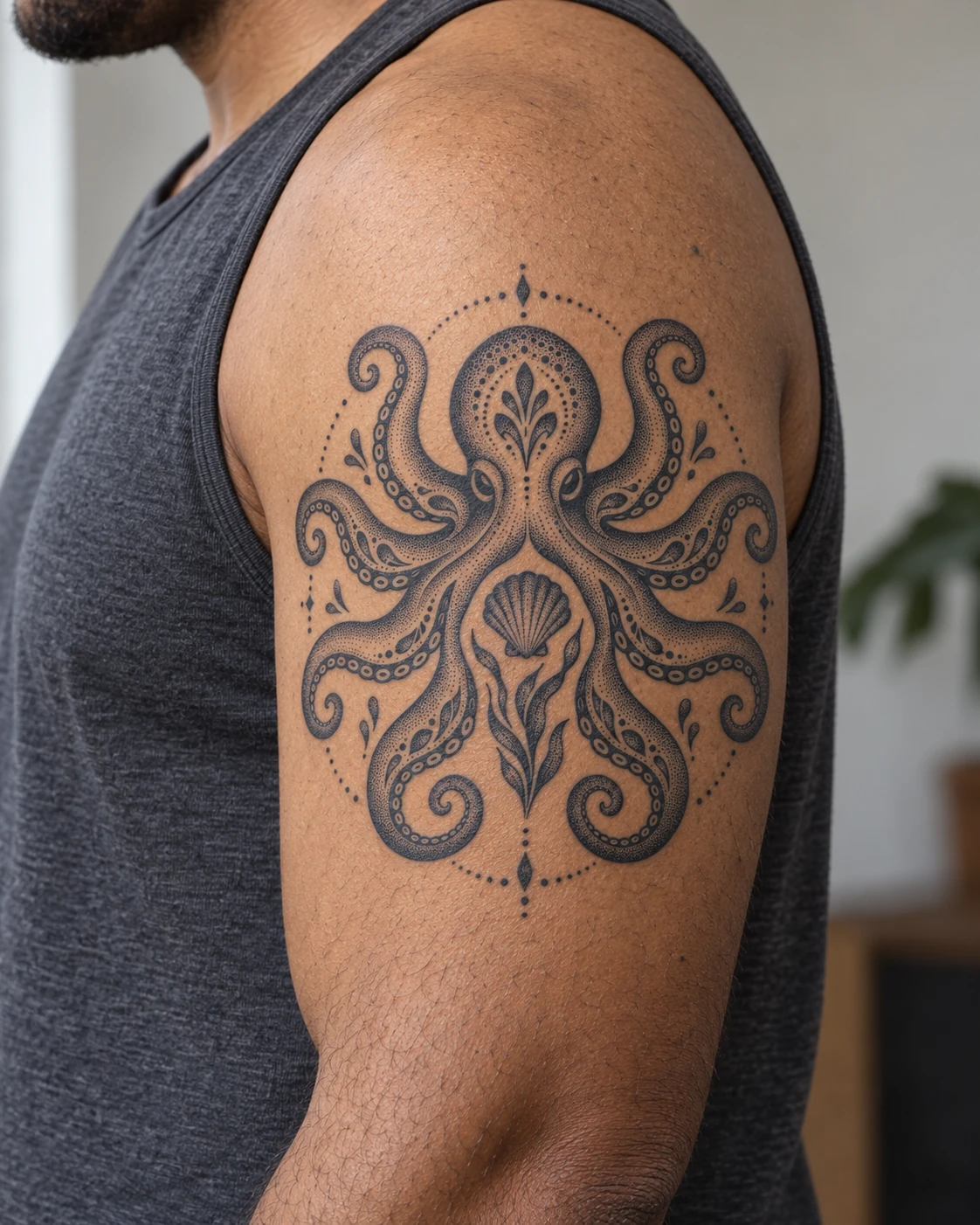
Room for a framed animal head or a compact symmetrical design.
Shape: Vertical shapes that follow the arm.
A tattoo artist can adapt the scale, density and detail to your placement. High-friction spots such as hands and fingers tend to wear faster.
Every tattoo softens over time, and dotwork is no exception. How well it holds up depends mostly on size, density and contrast.
Over the years, individual dots spread slightly and gradients look smoother.
Very small, very dense or very pale designs are the most likely to blur or lose detail.
Protecting the tattoo from sun helps it stay crisp.
Refreshing faded areas is part of long-term care, not a sign the tattoo failed.
Most dotwork is done in black or grey ink, which remains the traditional choice. Some artists add an accent color such as red. The Dotwork style on TatSketch creates black-ink designs.
Both. Some artists hand-poke each dot, while others use a tattoo machine to place dots more quickly and evenly. Ask your artist which method they use.
Many people describe dotwork as a tapping sensation rather than a constant scrape, but it is not painless. Placement and session length matter more than the style.
Each dot is placed individually, so the shading usually takes longer than smooth shading. Large, dense designs take the longest and may need more than one session.
No. Every design and on-skin preview on this page is an AI-generated concept. Bring a design you like to a tattoo artist, who can adapt it to your body.
Describe your subject, choose the Dotwork style and generate a design shaded with dots.