

AI Tattoo Generator
Turn your text description into a custom tattoo design. Try your first design free, no account required.
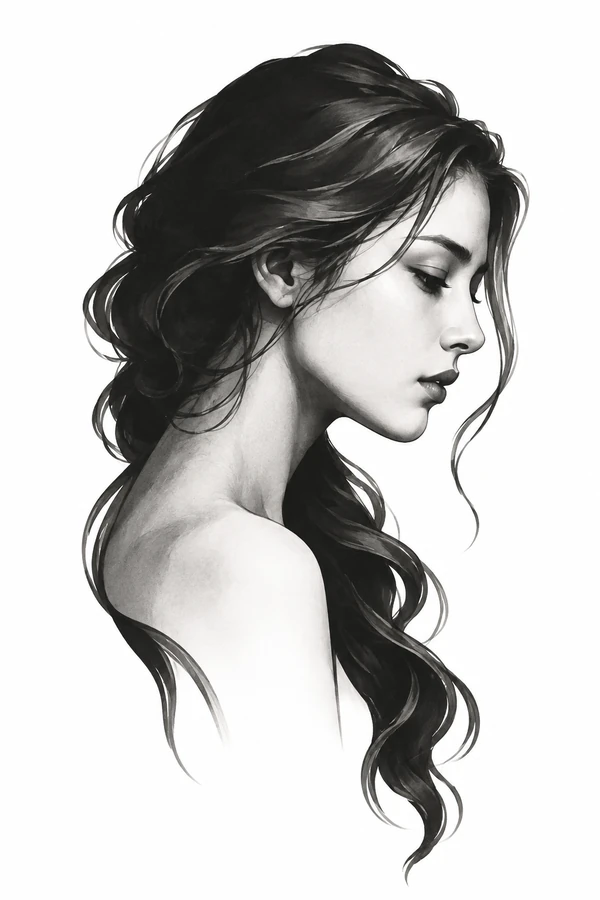
AI Tattoo Design Examples
Explore fine-line flowers, black-and-grey portraits, and Japanese tattoo designs. Use a sample prompt in our AI tattoo generator, then customize the subject and style to create your own version.
Body placements are illustrations.
How to Use the AI Tattoo Generator
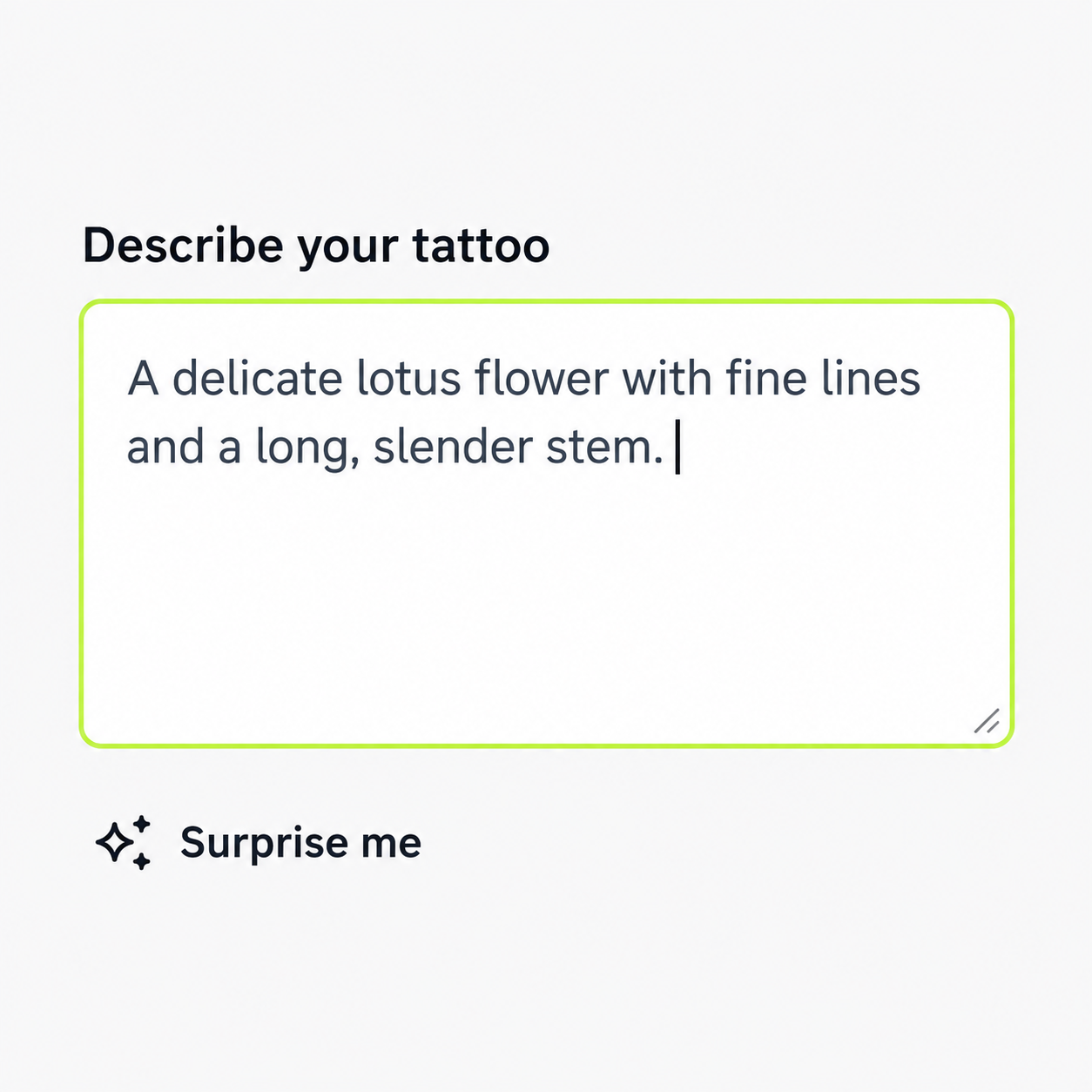
In your tattoo prompt, describe the subject, composition, and details you want: linework, shading, colors, or anything to leave out.
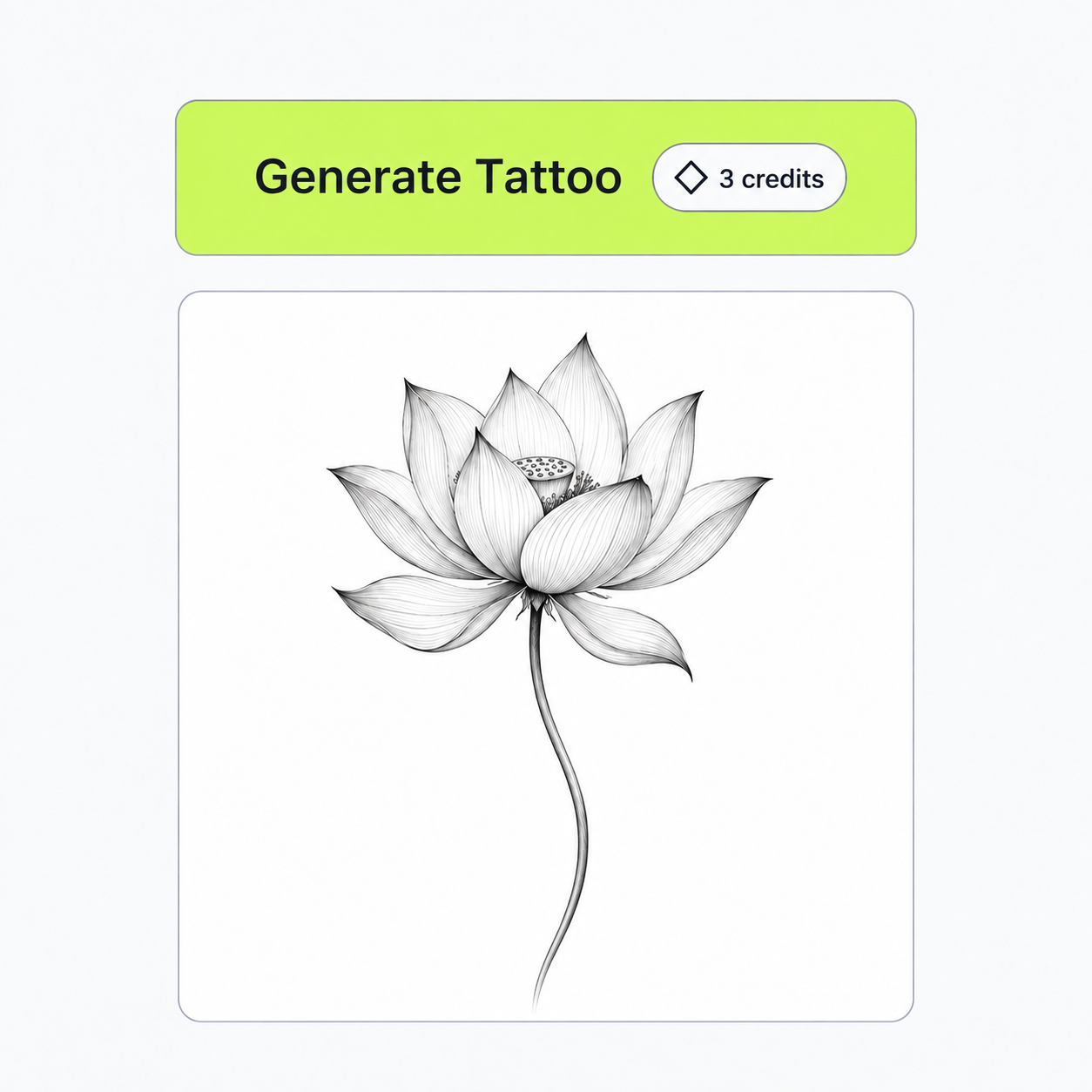
For example: “A delicate lotus flower with fine lines and a long, slender stem.” Or use Surprise me as a starting point.
Describe the Tattoo Style You Have in Mind
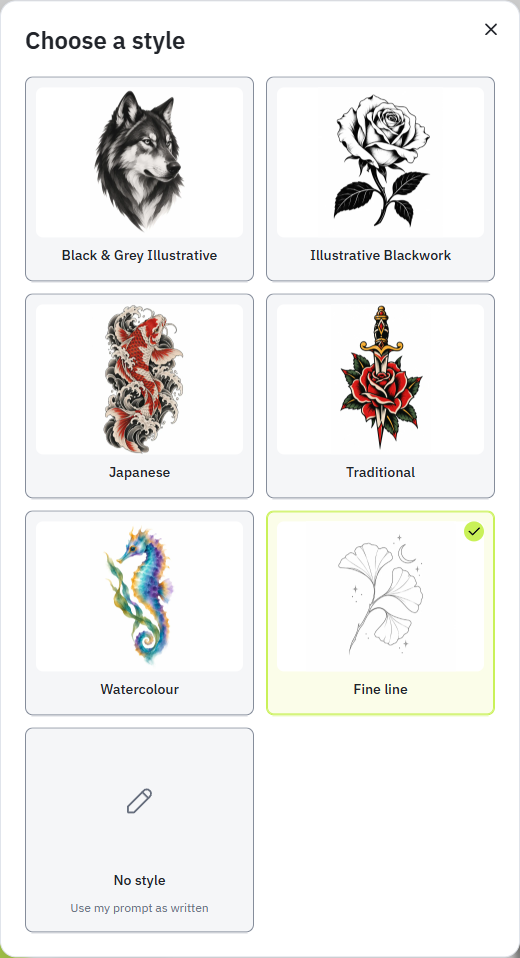
Guide the AI tattoo generator with details about linework, shading, color, and composition. Choose a style preset, or describe the look you want in your prompt.
Lines and shapes
Describe a delicate outline, bold contours, rounded forms, or angular shapes. If you want a simpler design, say which elements should remain and which should be left out.
Shading and texture
Explain whether you want open areas, soft shading, strong dark sections, or visible texture. “A clear wolf silhouette with selective fur detail” describes a different direction from “dense fur texture across the whole face.”
Color and composition
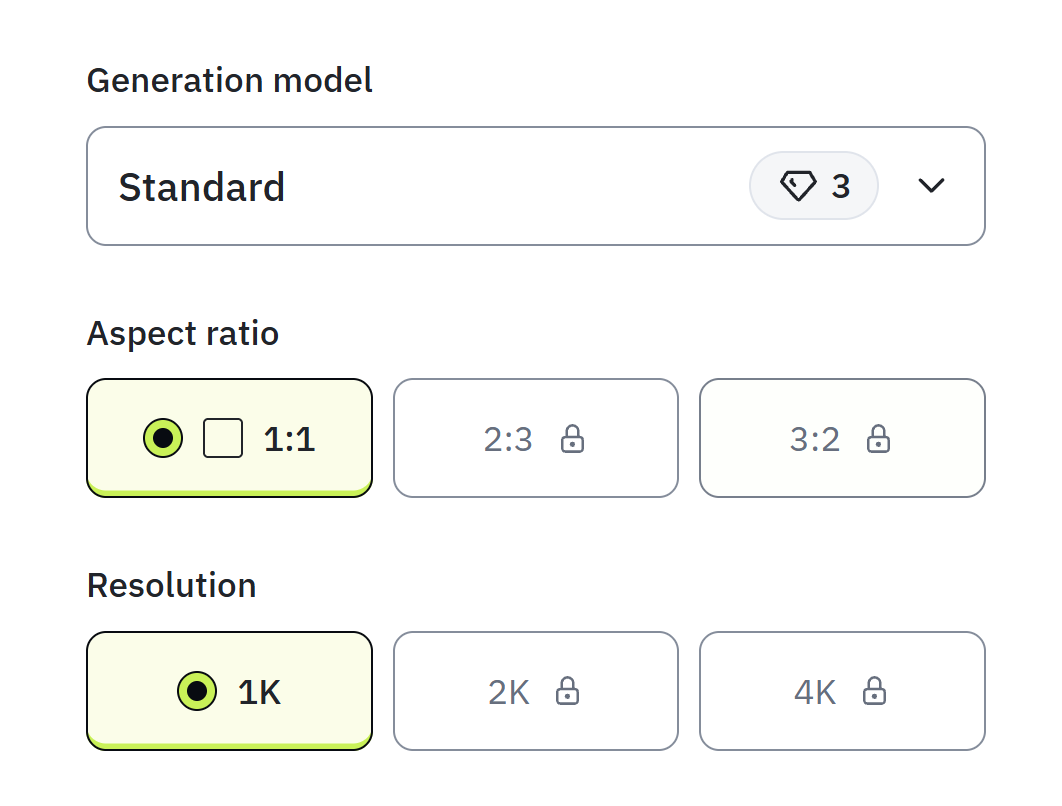
Mention the colors you want, or ask for black and grey. Describe how the elements should fit together: one centered subject, a tall arrangement, or a wider composition. Review the result and change one part of your description at a time when comparing ideas.
Save and Download Your Tattoo Designs
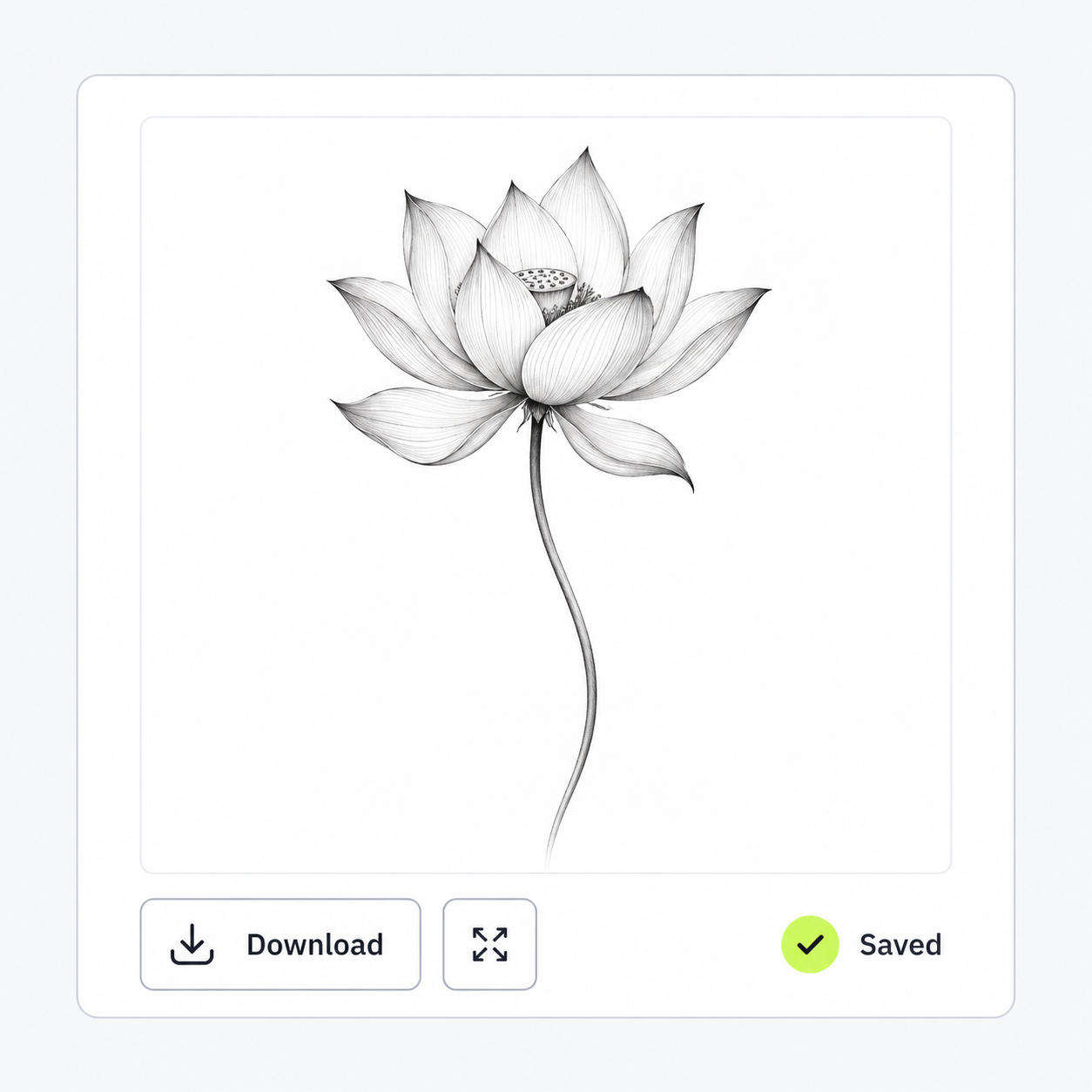
Save your tattoo designs privately in My Works and revisit them whenever you need.
Download a watermarked preview for personal use. With a subscription, unlock watermark-free originals—including designs saved before subscribing.
Designs generated before your subscription expires remain eligible for original downloads afterward.
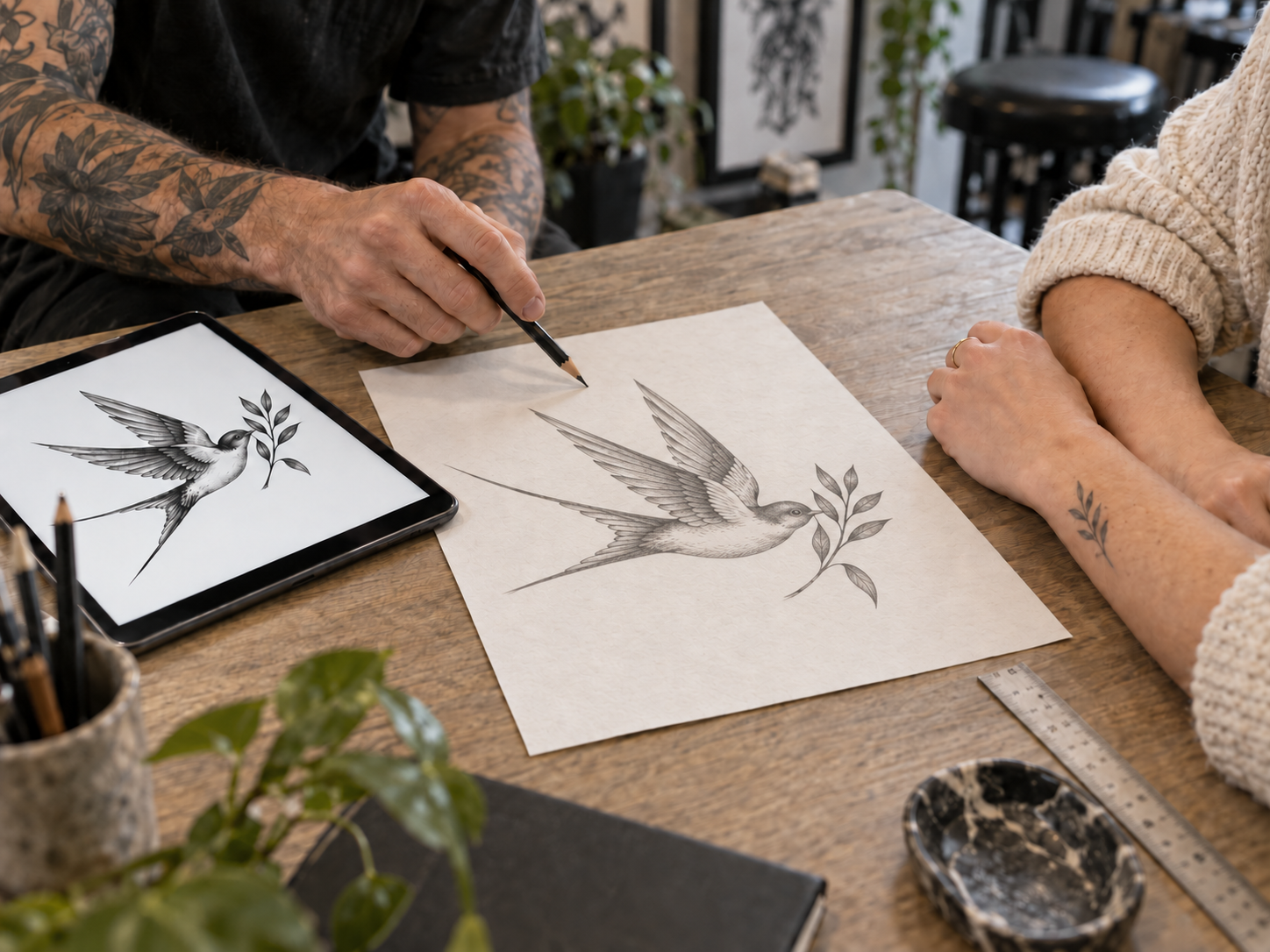
Take your tattoo design to an artist to discuss placement, size, and adjustments.
Helpful Articles About AI Tattoo Generator
Frequently Asked Questions
TatSketch is an AI tattoo generator that turns your text description into a tattoo design concept. Explore different styles and bring your idea to a tattoo artist to discuss placement, size, and details.
You can generate one tattoo design free, without an account; the offer does not reset daily or renew when you sign up. Sign in or register within seven days to save and download it. An active subscription is required to generate more designs.
Yes. A subscription unlocks watermark-free originals, including earlier free designs, and designs generated before it expires keep original download access afterward. See Pricing for plans and download details.
Yes—use it as a concept to discuss with your tattoo artist, who can adapt it to your placement and size and prepare the final artwork. The generated image is not a ready-to-use tattoo stencil or a preview on your body.
No. New designs are private, and TatSketch does not currently have a public gallery.
Create your next tattoo design
Start with an idea. Try your first design free.